How to Secure Your Banking Apps on Android Against Keyloggers
Welcome to Shine.biz.id, a leading information technology portal that thoroughly explores the digital world, from technical guides to the history of technology that shapes today's innovations. Through https://www.shine.biz.id/, we provide comprehensive Android tutorials, Termux guides from beginner to advanced, as well as practical Blogger and website development tutorials. Whether you're a beginner developer looking to build your first website or a tech enthusiast exploring the evolutionary history of operating systems, we provide in-depth and easy-to-apply articles. Improve your IT skills and make this site your primary reference for your digital journey. Happy reading!
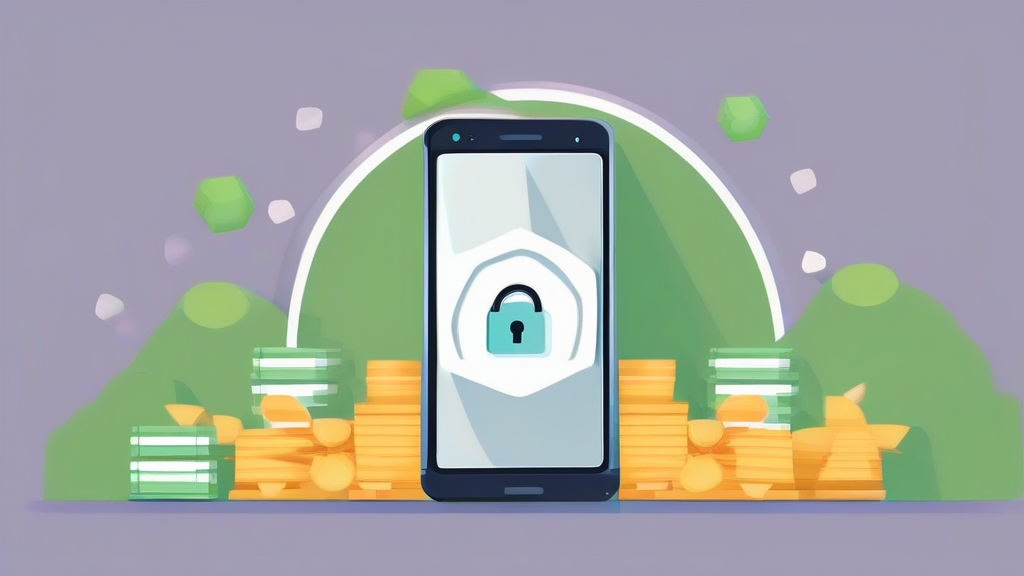
If you want to protect banking apps on Android from malware, you need to understand that your smartphone is essentially a pocket-sized computer that requires the same level of caution as your desktop. Cybercriminals are constantly evolving their tactics, using sophisticated keyloggers to capture every keystroke you make, including your sensitive banking passwords and PINs.
Key Takeaways:
- Always download apps exclusively from the official Google Play Store to minimize the risk of sideloading malicious software.
- Enable multi-factor authentication (MFA) on every financial account to add a critical layer of defense beyond just your password.
- Regularly update your Android operating system and banking apps to patch known security vulnerabilities that hackers exploit.
Understanding the Threat of Android Keyloggers
Keyloggers are a specific type of surveillance software designed to record the activity on your device. When you type your password into a banking app, the malware quietly intercepts those characters and sends them to a remote server controlled by a hacker. It is a silent, invisible theft that can drain your accounts before you even realize something is wrong.
Many users wonder: can hackers actually get into my banking app? The reality is that if your device is compromised, your credentials are no longer private. Attackers often use social engineering, tricking you into granting accessibility permissions to a malicious app. Once those permissions are granted, the malware has the keys to the kingdom, effectively watching your screen and logging your inputs.
Recognizing the Warning Signs
Your phone might be trying to tell you something is wrong. Does your device suddenly feel sluggish, or does the battery drain faster than usual? Perhaps you see unfamiliar apps in your drawer that you definitely did not install. These are classic red flags that your security has been compromised.
Another indicator is the sudden appearance of intrusive advertisements, even when you aren't browsing the web. Malware often bundles itself with seemingly harmless tools like flashlight apps or photo editors. If your device starts behaving erratically, it is time to perform a thorough audit of your installed applications and permissions.
How to Protect Banking Apps on Android from Malware
Prevention is significantly easier than remediation. To effectively protect banking apps on Android from malware, you must adopt a "zero trust" mindset toward your device. This means not assuming any app is safe simply because it looks professional or has a high number of reviews, which are often faked by bot networks.
Utilizing Official Security Features
Google Play Protect is your first line of defense. It continuously scans your device for potentially harmful applications. Ensure it is turned on by navigating to your Play Store settings. While it isn't a silver bullet, it blocks a massive percentage of known malicious payloads before they can execute.
Furthermore, utilize the built-in biometric locks for your banking apps. Fingerprint or facial recognition is inherently more secure than a typed PIN. Because these methods don't involve "typing" a sequence of numbers, a traditional keylogger has nothing to record. This is a simple, highly effective way to neutralize the threat of credential harvesting.
Managing App Permissions Wisely
The most dangerous permission for any app is "Accessibility Services." While this feature is intended to help users with disabilities, attackers frequently abuse it to read your screen content and capture inputs. Go through your settings and audit which apps have this permission. If a calculator or wallpaper app asks for Accessibility access, delete it immediately.
Think about what your apps actually need to function. Does a banking app need access to your contacts or your microphone? Usually, the answer is no. Restricting these permissions limits the scope of what an app can do if it happens to be malicious or if it gets compromised by a third party.
Network Security and Public Wi-Fi Dangers
Even if your phone is clean, the network you use matters. Connecting to public Wi-Fi at a coffee shop or airport exposes your traffic to potential interception. If you must check your bank balance on the go, use your cellular data instead of public networks.
If you absolutely must use public Wi-Fi, employing a reputable Virtual Private Network (VPN) is essential. A VPN creates an encrypted tunnel for your data, making it much harder for attackers to perform a "man-in-the-middle" attack. This is a fundamental concept in computer security that everyone should practice.
What is the Safest Mobile Banking App?
Users frequently ask, "What is the safest mobile banking app?" The answer isn't about one specific brand, but rather the features the app provides. The safest apps are those from established, regulated financial institutions that offer robust security settings, such as hardware-backed security keys and instant transaction alerts.
Look for apps that force you to re-authenticate frequently. If an app stays logged in for days at a time, it is a liability. You want an app that requires a fresh login or biometric scan every single time you open it. This ensures that even if someone gains physical access to your unlocked phone, they cannot easily jump into your bank account.
Addressing Common Security Myths
Some people believe that their phones are immune to viruses because "Android is Linux-based." While true, this is a dangerous misconception. The operating system's architecture does not prevent a user from installing a malicious app that has been granted administrative permissions. Security is a shared responsibility between the OS developer and the user.
Another myth is that you don't need antivirus software on Android. While Google Play Protect is good, a secondary, reputable mobile security suite can provide an extra layer of real-time web protection. These tools often scan URLs before you visit them, preventing you from landing on a phishing site that looks exactly like your bank's login page.
Frequently Asked Questions (FAQ)
Can hackers get into my banking app?
Yes, if your device is compromised by malware like a keylogger or if you fall for a phishing scam, hackers can gain access to your banking credentials and potentially your account.
What is the safest mobile banking app?
The safest apps are those from reputable, well-regulated banks that offer mandatory multi-factor authentication, biometric login requirements, and real-time transaction notifications.
How do I know if my phone has a keylogger?
Look for signs like rapid battery drain, unexpected device overheating, increased data usage, or the presence of apps you do not remember installing. Running a full scan with a trusted security app can also help detect hidden threats.
Securing your digital life requires vigilance, but it does not have to be complicated. By sticking to official app stores, auditing your permissions, and using biometrics, you make yourself a very difficult target. Stay cautious, keep your software updated, and never ignore those red flags when your phone starts acting up. Your financial safety is worth the extra few minutes of maintenance.
If you like my article website, you can leave a comment here and it means a lot to me if you need it.
Post a Comment for "How to Secure Your Banking Apps on Android Against Keyloggers"